 SayloeGuides
Looking for a Wispr Flow alternative? Start with the job you need to do: dictate a quick reply, work offline, customize your output, or transcribe an existing recording. These seven Mac options cover different needs.
Disclosure: This article is published by Sayloe’s developer. The recommendations are based on official product documentation and pricing pages reviewed on November 5, 2026, not a controlled accuracy or speed test. The screenshots are real website captures, not app test results. Prices and allowances can change.
Quick answer: which alternative fits your workflow?
| App | Best fit | Free option | Offline speech transcription? |
|---|---|---|---|
| Sayloe | Dictation and cross-language replies | Free beta; see current allowances | No; Apple text translation is a separate feature |
| VoiceInk at voice-ink.com | Capped, on-device daily dictation | 20 local transcriptions per day | Yes, with local Whisper |
| Superwhisper | Custom prompts and model choices | Free Whisper tier; Pro trial | Yes, with local models |
| Spokenly | Unlimited free local dictation | Unlimited local models | Yes |
| Lispr | Hold-to-talk translated replies | Weekly minute allowance | No; audio is processed online |
| MacWhisper | Audio files, interviews and meeting transcripts | Free edition; paid Pro features | Yes, with local models |
| Apple Dictation | Built-in voice typing | Included with macOS | Depends on language and configuration |
For free local dictation, compare Spokenly and Superwhisper first. For recorded interviews, look at MacWhisper. For reading a message and preparing a reply in another language, consider Sayloe or Lispr.
Why consider an alternative to Wispr Flow?
Wispr Flow is a reasonable choice if its dictation workflow already suits you. Its current pricing page lists a free plan with limited weekly words and paid plans with unlimited dictation. Check the current allowance rather than relying on an older quoted cap.
Reasons to compare alternatives include wanting on-device transcription, a different payment model, more control over prompts, or a workflow that includes translating written messages. Local processing can reduce cloud exposure, but privacy also depends on the features you enable and how you store transcripts.
For example, an engineer may prioritize offline notes, a researcher may need recorded interviews, and an export sales representative may need to read a customer’s message and dictate a translated reply. Those are different requirements, not one universal ranking.
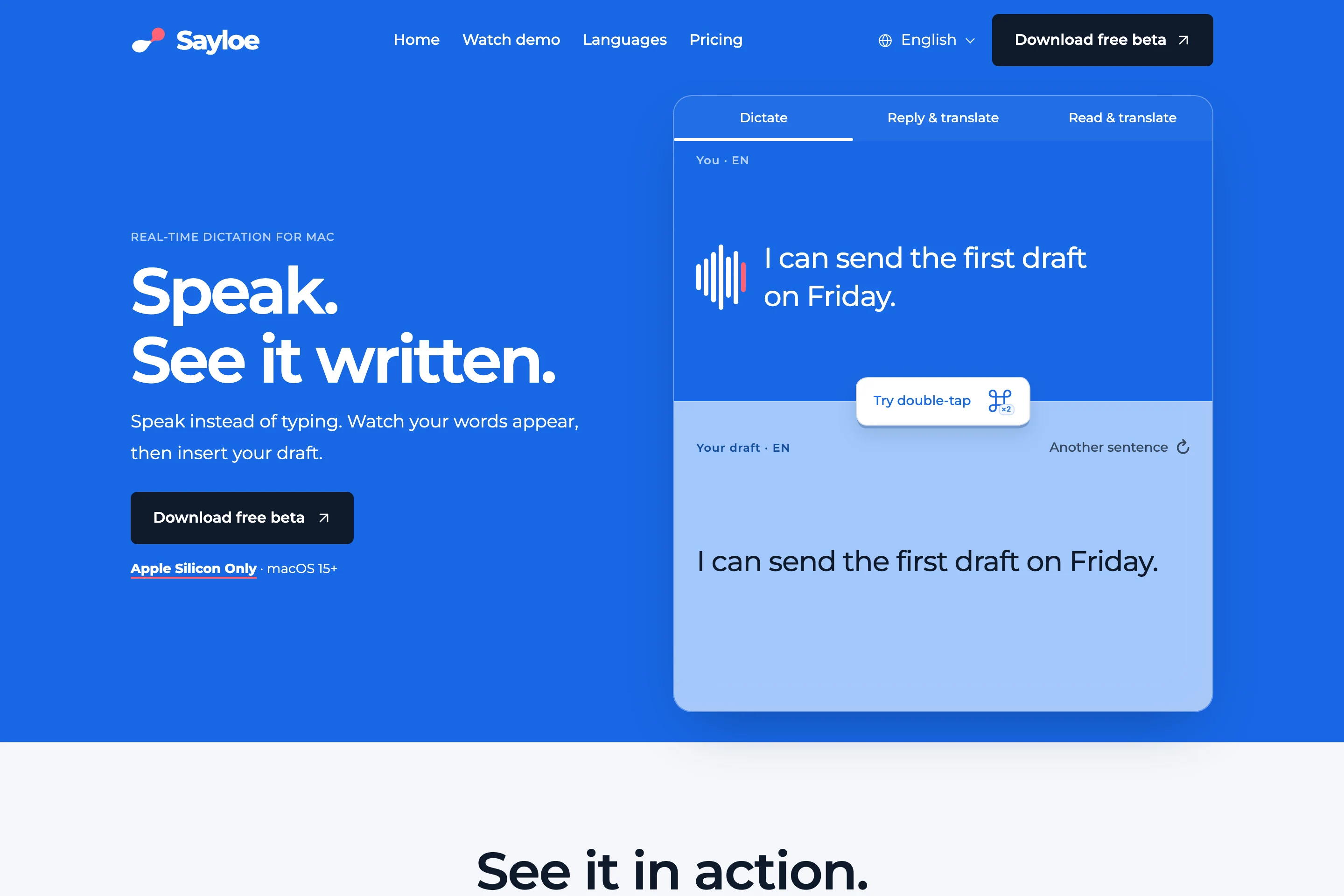
1. Sayloe — for dictation and cross-language replies
Sayloe combines selected-text translation and voice dictation on Apple Silicon Macs running macOS 15 or later.
With no text selected, double-tap ⌘ to open dictation. Speak, review the transcript, then insert the original or translate it before insertion. With text selected, the same shortcut opens translation.
A customer support agent can read a customer’s message, then dictate a reply while keeping the conversation visible. A procurement specialist can prepare a supplier update without repeatedly moving text through a translation website.
Keep in mind: insertion and replacement depend on the destination app and field. Copy and paste is the fallback. Voice transcription and Gemini AI translation need internet access. Apple on-device text translation requires macOS 15 or later and supported language models; it does not make voice transcription offline.
Free option: the beta is free to try. See current pricing and rollout details for allowances and paid-plan availability.
See Mac translation shortcuts or speech translation for the workflow.
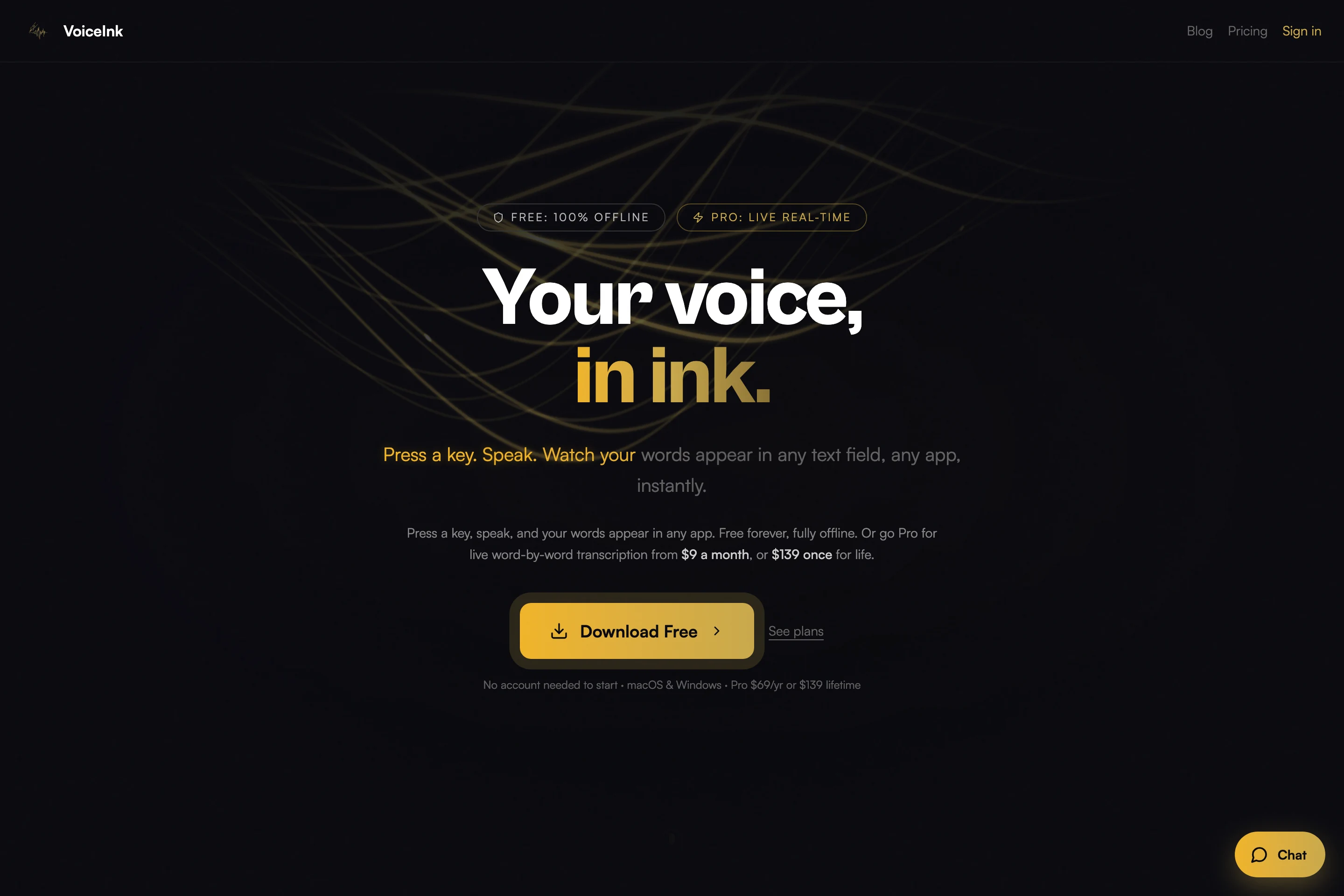
2. VoiceInk — for on-device daily dictation
This entry covers VoiceInk at voice-ink.com, which lists macOS and Windows support.
Its free plan runs Whisper locally and currently includes 20 transcriptions per day. That makes it worth checking for an engineer drafting short technical notes without sending speech to a cloud transcription service.
Keep in mind: the paid live transcription feature uses Deepgram’s cloud service. “Offline” describes the local mode, not every feature. Performance also depends on your computer and selected model.
Paid option: the site lists Pro at $9/month, $69/year, or $139 for a lifetime license. Confirm checkout pricing and any introductory offer before buying.
Choose it if: local transcription matters more than unlimited free daily usage.
3. Superwhisper — for custom prompts and model choices
Superwhisper offers configurable dictation modes, custom prompts and model choices. Its current free tier lists unlimited Whisper-model usage and custom prompt control; Pro adds further cloud and local AI options.
A freelance consultant can use different modes for quick messages and structured client updates. Someone who wants to define output rules has more to explore than a basic speech-to-text toggle.
Keep in mind: local transcription and cloud processing are different paths. Check the selected models if staying offline is important. The developer notes that offline models run best on Apple Silicon; Intel users may prefer cloud models.
Free option: the site also lists a 3,000-word Pro trial, after which free-tier features remain available. Subscription and lifetime options are listed on the website.
Choose it if: configuring prompts and models is part of the appeal.
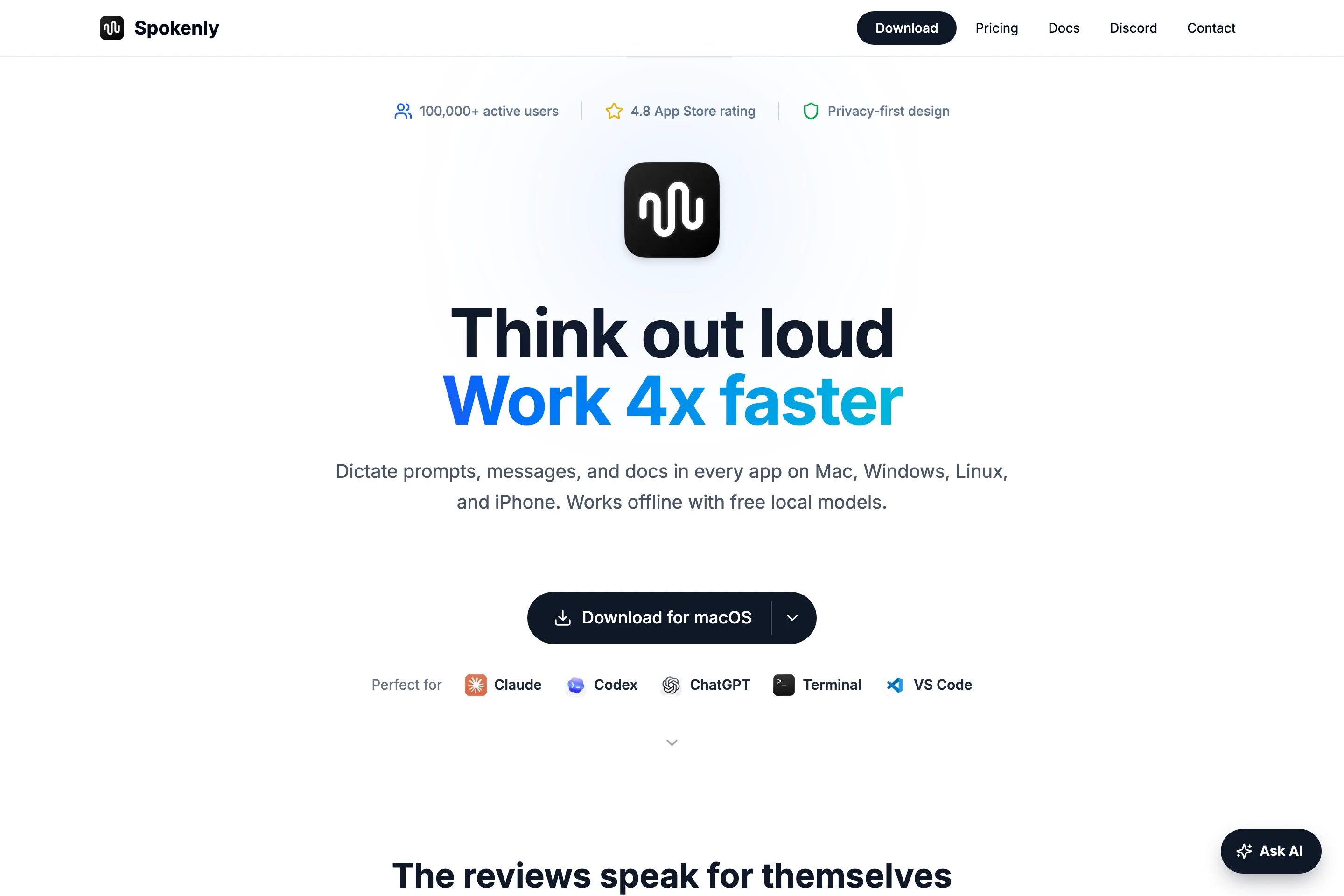
4. Spokenly — for unlimited free local dictation
Spokenly lists unlimited free dictation with local Whisper and Parakeet models, offline operation and no account requirement. It also offers bring-your-own-key cloud integrations.
That is a useful starting point for a freelancer who wants to dictate long drafts without a recurring word allowance. Check model language coverage before choosing a local engine.
Keep in mind: bringing your own API key can incur provider charges. Free local transcription does not mean all cloud and AI processing is included.
Paid options: Local+ is listed at $29 once for additional conveniences. Pro bundles cloud and AI features; check the billing interval shown on its pricing page.
Choose it if: unlimited local speech-to-text is your main requirement.
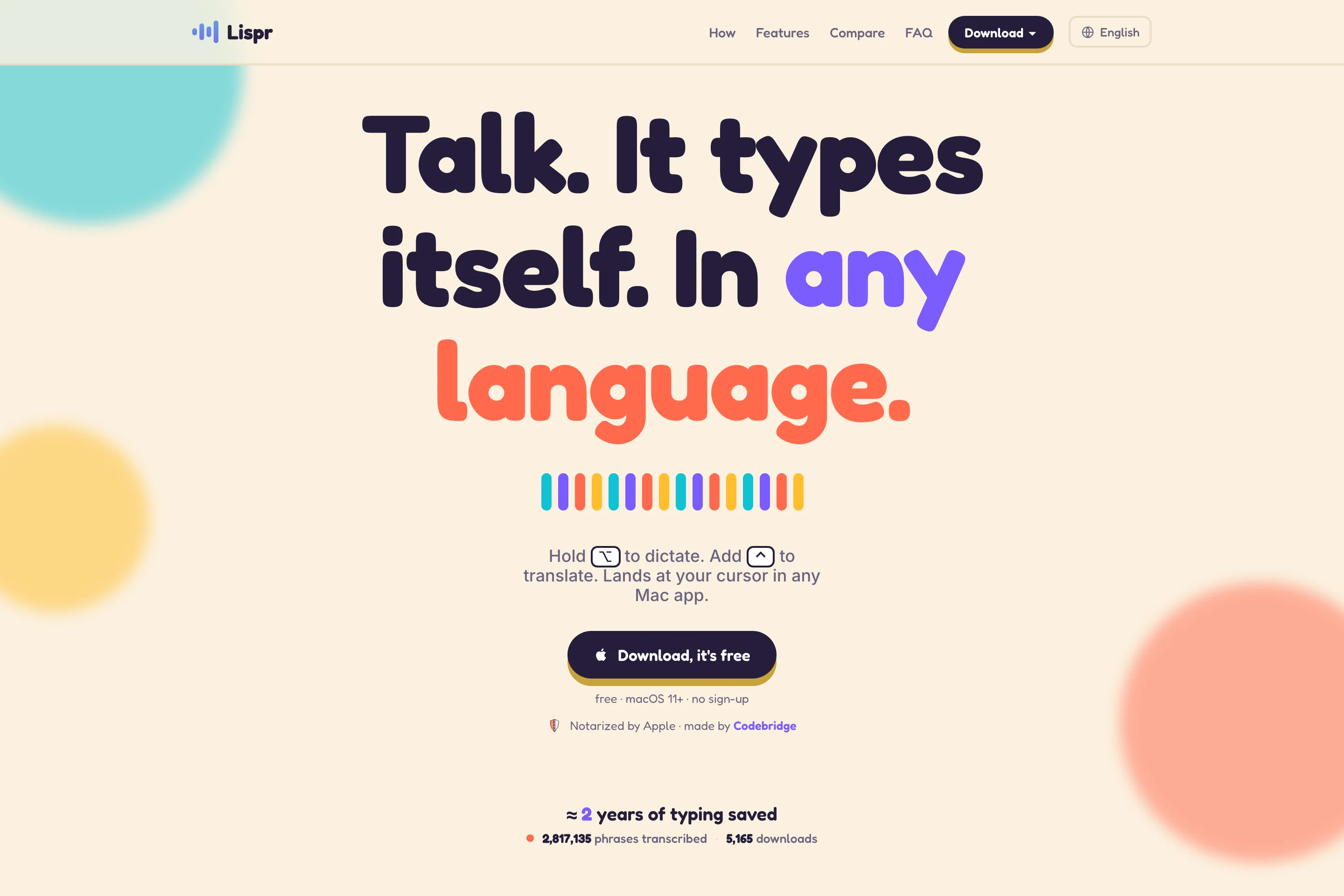
5. Lispr — for hold-to-talk translated dictation
Lispr uses a hold-to-talk workflow: hold the right Option key to dictate and add Control to translate. The site lists Mac and Windows downloads.
For a sales representative replying to overseas customers, the appeal is preparing translated text through a keyboard gesture. Compare this with Sayloe’s review-first workflow to see which interaction you prefer.
Keep in mind: Lispr sends audio for online transcription. Its provider and retention details are described on the website; this is not an offline dictation choice.
Free option: dictation and translation are included within a weekly minute allowance. The site lists Pro at $7.99/month or $79/year to remove the cap. It does not specify the free minute count on the page reviewed.
Choose it if: you prefer holding a key while speaking.
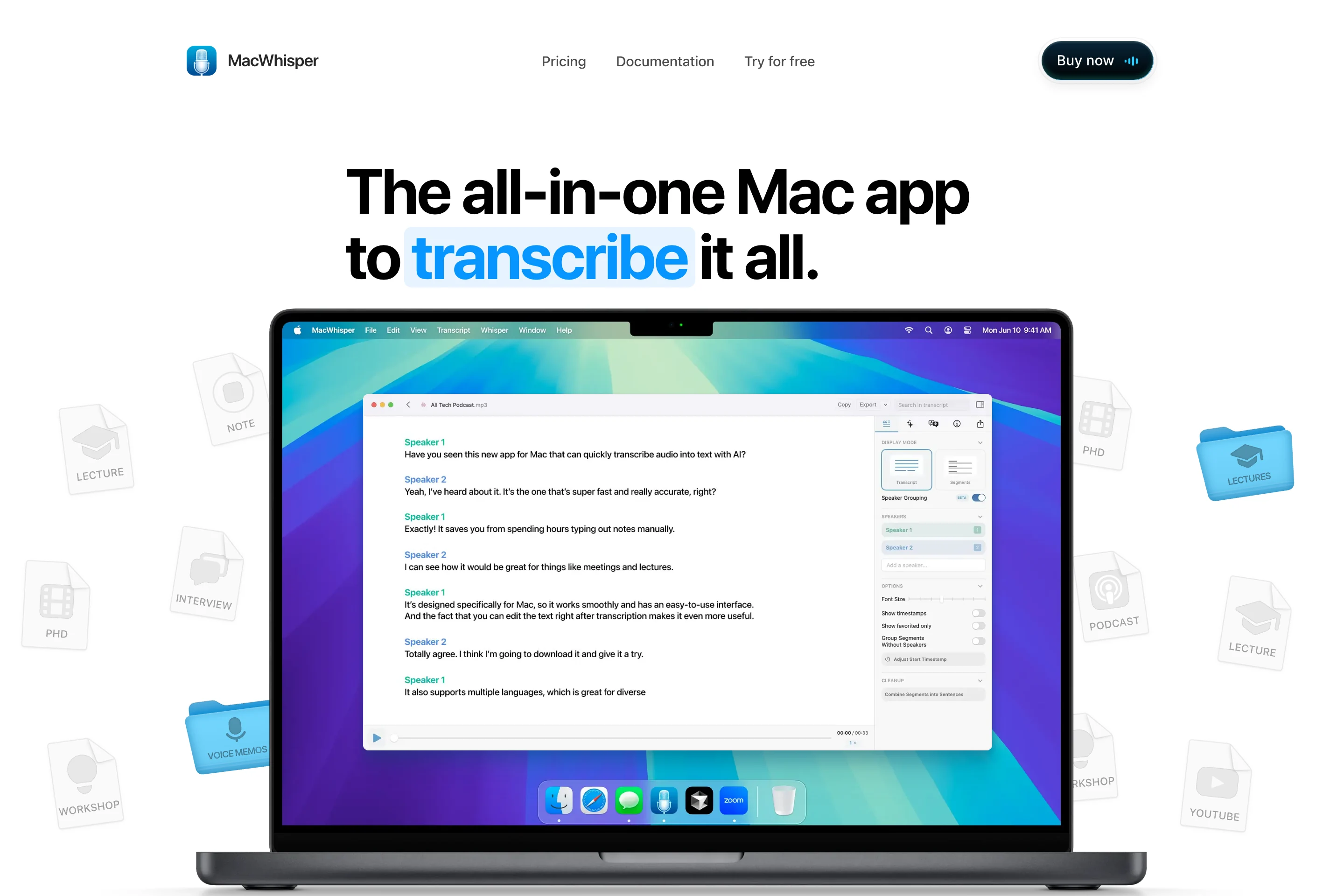
6. MacWhisper — for recordings and longer transcripts
MacWhisper focuses on transcription of recordings, interviews and meetings, and also offers dictation. Its website describes drag-and-drop files, local models, speaker recognition and transcript export.
A researcher reviewing an interview, or a consultant processing a recorded client meeting, may benefit more from this transcript-oriented workspace than from a tool centered on short replies.
Keep in mind: some features require Pro, and optional cloud features should not be confused with local processing. Confirm that your required model and export format are included in the edition you choose.
Free option: a free download is available alongside paid Pro licenses.
Choose it if: working with existing audio is as important as typing with your voice.
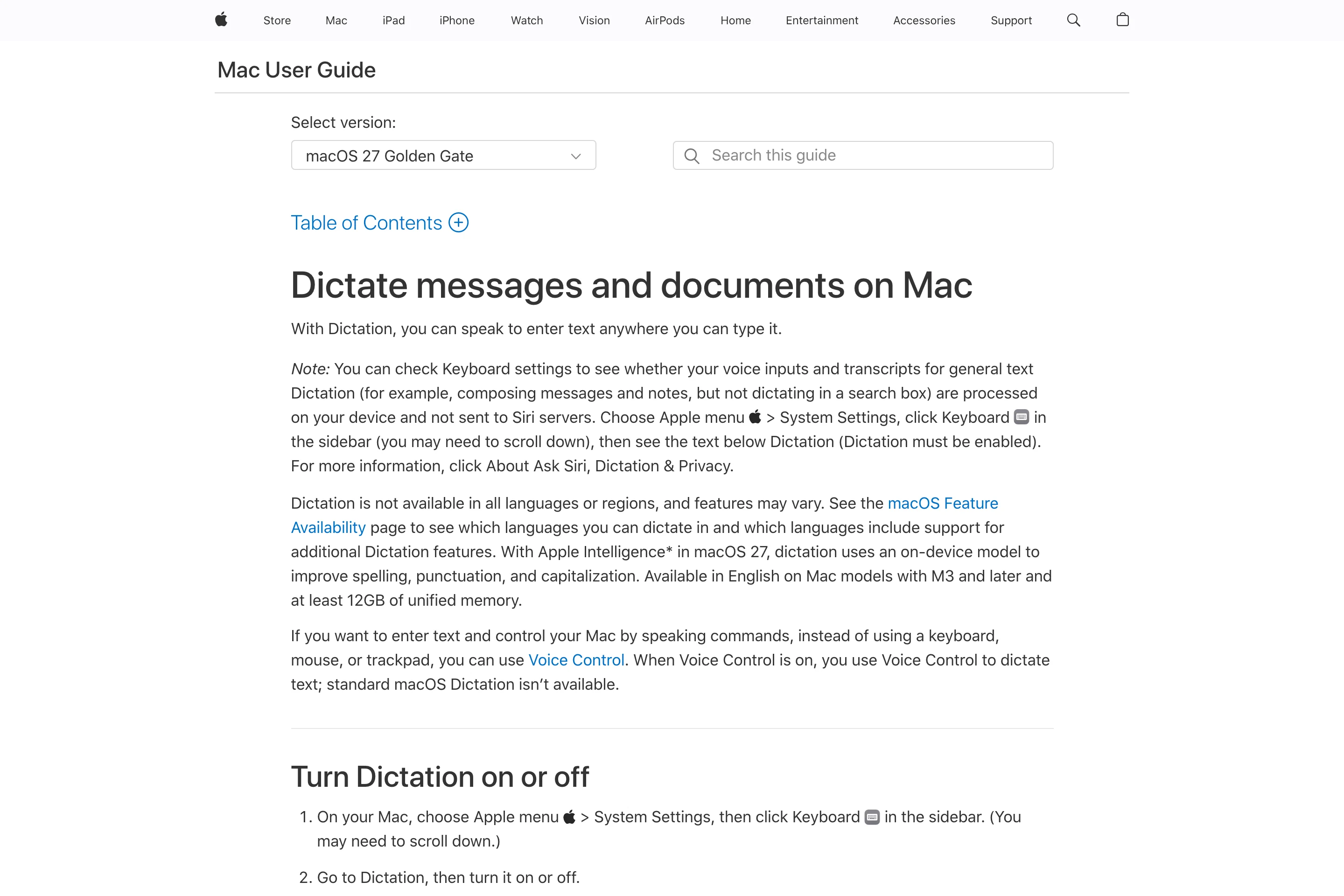
7. Apple Dictation — for built-in voice typing
Before installing another app, try Apple Dictation. Open System Settings → Keyboard → Dictation, enable it and check the configured shortcut. Click in a document or text field, activate Dictation and speak.
It is a sensible baseline for occasional notes or short replies. You can configure dictation languages in settings.
Keep in mind: on-device availability depends on the language and configuration. Apple tells you whether your setup requires internet beneath the Dictation setting. It is not the same as translating a transcript into another language before insertion.
Price: included with macOS; no separate dictation subscription.
Choose it if: your needs are basic and you want to start with what your Mac already provides.
Frequently asked questions
What is the best free Wispr Flow alternative for Mac?
For unlimited local dictation, start by comparing Spokenly’s free local tier and Superwhisper’s free Whisper tier. For occasional use without installing anything, try Apple Dictation. VoiceInk’s free local plan has a daily cap.
Which alternatives work offline?
VoiceInk, Superwhisper, Spokenly and MacWhisper advertise local transcription options. Download the required models first and verify the feature you intend to use without internet. Cloud cleanup, translation or live processing may still need a connection.
Can I dictate in one language and insert another?
Sayloe and Lispr include translated-dictation workflows. Check the supported speech language, translation target and destination app before relying on either. Sayloe lets you review the transcript and translation before insertion.
Is Sayloe an offline replacement for Wispr Flow?
No. Sayloe’s voice transcription requires internet. Its Apple text translation option is a separate on-device feature with its own macOS and language requirements.
How to choose
Try one real task: dictate a customer reply, prepare an engineering note, or transcribe a short interview. Check correction effort, app compatibility, model requirements and the price at your expected usage. A homepage screenshot cannot establish transcription quality.
If your main task is reading and replying across languages, try Sayloe. If you only need speech-to-text, start with a free dictation option and compare the result in your own workflow.
← More guides